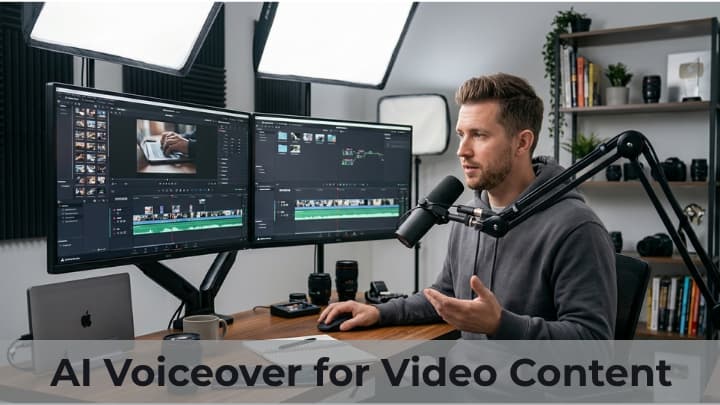
Video creators often spend much of their time planning topics, writing scripts, finding visuals, editing footage, and preparing uploads. Audio is another important part of the process. A clear voiceover can explain a tutorial, connect separate scenes, or help viewers understand a product review.
For creators who do not want to record every line themselves, AI voice generation can provide an alternative narration workflow.
Where narration can improve a video?
Voiceovers are useful in many types of content. A tutorial can use narration to explain each step while the viewer watches the screen. A documentary-style video can use it to connect research and visuals.
Product demonstrations can use a voice track to point out features, while animated explainers can rely on narration to make abstract ideas easier to understand. The format should determine the tone and pace of the voice.
From script to generated voice
A reliable result begins with a well-prepared script. Write as if speaking to one viewer, remove unnecessary repetition, and read the text aloud to catch awkward phrases. Then select a voice that suits the channel and the subject.
Murf provides AI text-to-speech and voiceover tools that let creators generate narration from written scripts and adjust aspects of delivery. Visit Murf AI official website to explore the platform, or see the official explanation of Murf Studio at Murf official product overview.
Match the audio to the edit
Do not wait until the entire video is finished before thinking about narration. Break the script into sections that correspond to scenes or chapters. Generate and review each section, then place it on the editing timeline.
Check that the spoken words arrive at the right moment and that pauses leave enough room for important on-screen details. If a sentence is too long for a scene, revise the script or adjust the edit instead of forcing the narration to run too quickly.
Build a recognizable channel style
A channel becomes easier to recognize when its videos share a consistent presentation. Creators can establish a simple audio style guide covering voice choice, speaking pace, pronunciation of recurring names, and the balance between narration and music.
Consistency does not mean every video must sound identical; interviews, reviews, and short-form clips may need different energy. The guide simply gives the channel a dependable starting point.
Consider viewers in other languages
Creators who want to reach international audiences may explore translated scripts or dubbed versions of selected videos. Localization requires more than replacing words: jokes, measurements, names, and references may need to be adapted. Review the translated text and final audio carefully, and make sure titles, descriptions, and captions match the language of the video.
Murf’s official product pages describe its AI dubbing and translation options.
A simple quality-control checklist
Before publishing, listen to the entire video on headphones and, if possible, on a phone speaker. Check for mispronounced words, unnatural pauses, abrupt volume changes, and music that overpowers the narration. Confirm that captions match the spoken audio and that any third-party music or footage is properly licensed.
A final human review is important even when the voice track was generated automatically.
Conclusion
AI voiceovers can help creators experiment with narration and organize a repeatable video-production process. The strongest videos still depend on original ideas, accurate scripts, useful visuals, and careful editing.
Used as one tool in that creative process, Murf and similar platforms can help creators prepare narration for tutorials, explainers, reviews, and other video formats.